
Case file 01Websites
Brief to Build
The sales site for a recorded AI design class.
Open in the office →The same case file, inside my interactive office
In shortA sales site for a paid four-week AI design class. I directed the research, picked the direction from eight built options, and had it live in about three days.
- SSituation
- A four-week recorded AI design class needed a sales site. Most visitors arrive from a WhatsApp link and decide on a phone.
- TTask
- I designed and built the site in about three days, directing AI agents for research, writing and the build. The class and its teaching are the instructor’s.
- AAction
- I put the price on the first screen with no fake urgency, tagged each pain point with the module that fixes it, and turned the navigation into a to-scale map of the page.
- RResult
- It’s live at school.alethiconsulting.com/build-with-ai, taking enrolments by card (Stripe) or in Naira (Paystack) for the first cohort starting 9 November 2026. It went from brief to first deploy in about three days.
- Client
- Brief to Build, a recorded AI design class
- Category
- Website
- Role
- Design and build, directing AI agents
- Team
- Me, with AI research, writing and build agents
- Timeline
- 12 – 15 Oct 2026, brief to first deploy
- Platform
- Website, phone first
- Tools
- Astro, Cloudflare Pages
- Status
- Live, enrolling for 9 Nov 2026
Brief to Build is a four-week recorded class for designers who want AI in their real process: research, UI, prototyping and handoff. The site has one job. Someone who arrives from a WhatsApp link should be able to decide, on a phone, whether to enrol.
SStage 1Situation
TStage 2Task: my part
01My part, and how I worked
The class and its teaching are the instructor’s. The site is mine: I designed and built it. I ran it as a small agency of AI agents, with me making the decisions. The agents wrote a PRD, researched 21 competing courses and collected about 90 design and 63 motion references. They then built eight visual directions, reviewed at desktop and phone widths. I picked one, Field Manual, then tuned it section by section, choosing from three versions of each of 14 sections.
AStage 3Action: the decisions
02Decision 1 · Show the price, skip the tricks
Course sites in this category lean on value stacks, strike-through prices that were never charged, countdowns with no date and “74% booked” counters. I ruled all of them out and put the price on the first screen. This audience decides fast on a phone. Hiding the price behind a call adds a step and reads as expensive.
03Decision 2 · Name the pain, then point to the fix
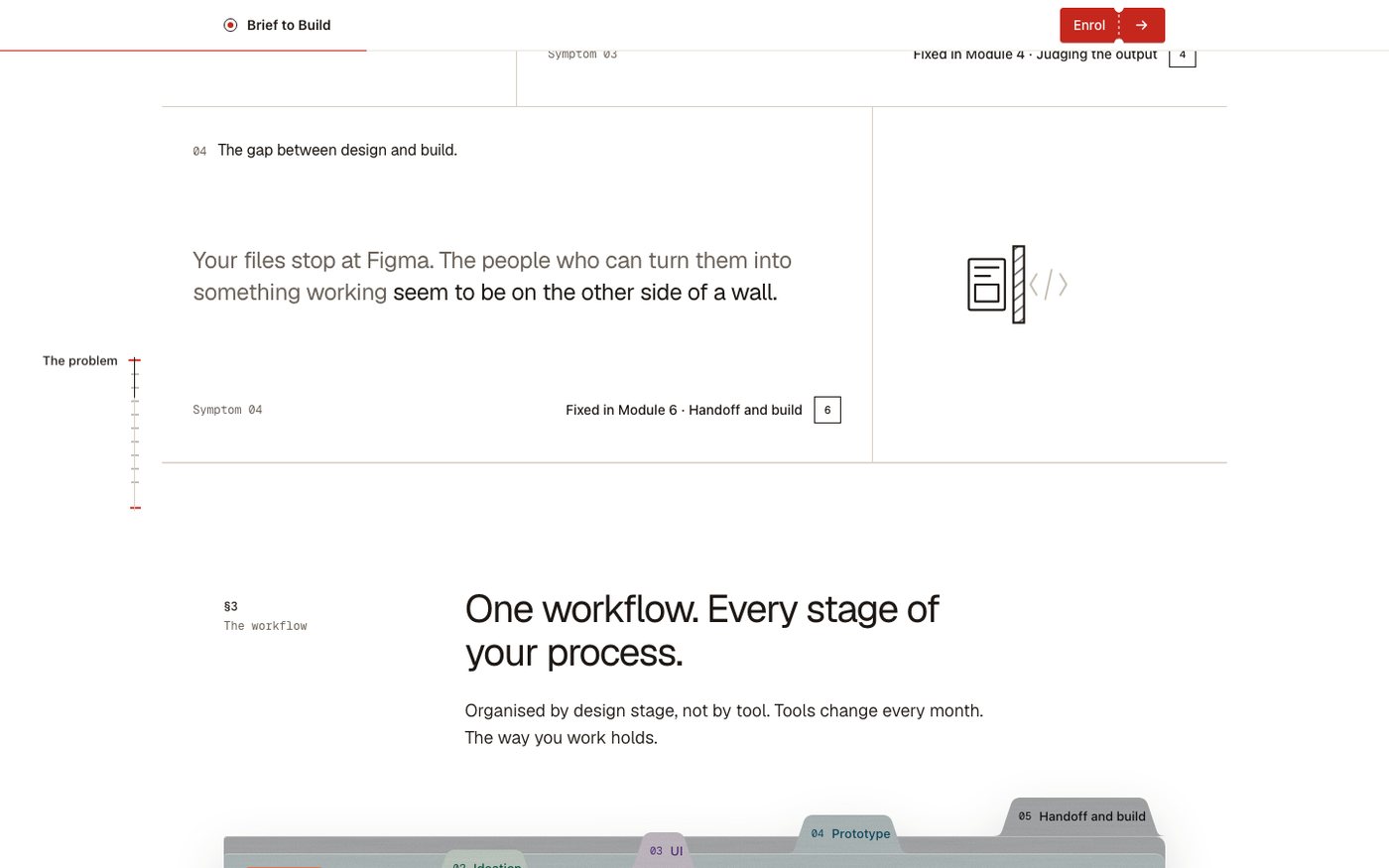
The problem section lists real symptoms, like “Ten tools tried. None of them stuck.” and “Your files stop at Figma.” Each one is tagged with the module that fixes it, so the curriculum answers the problem before you reach it.
04Decision 3 · Make the page its own map
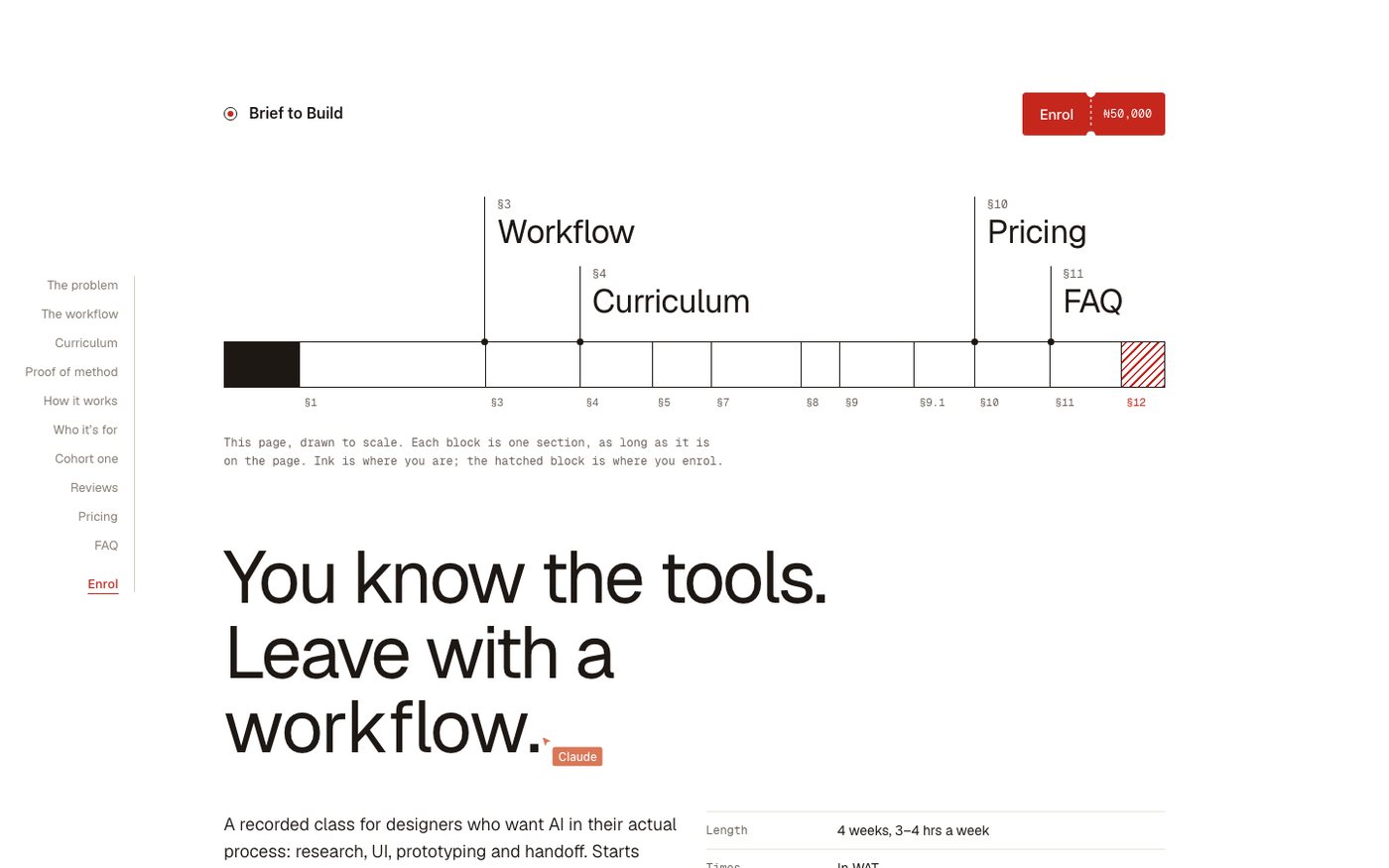
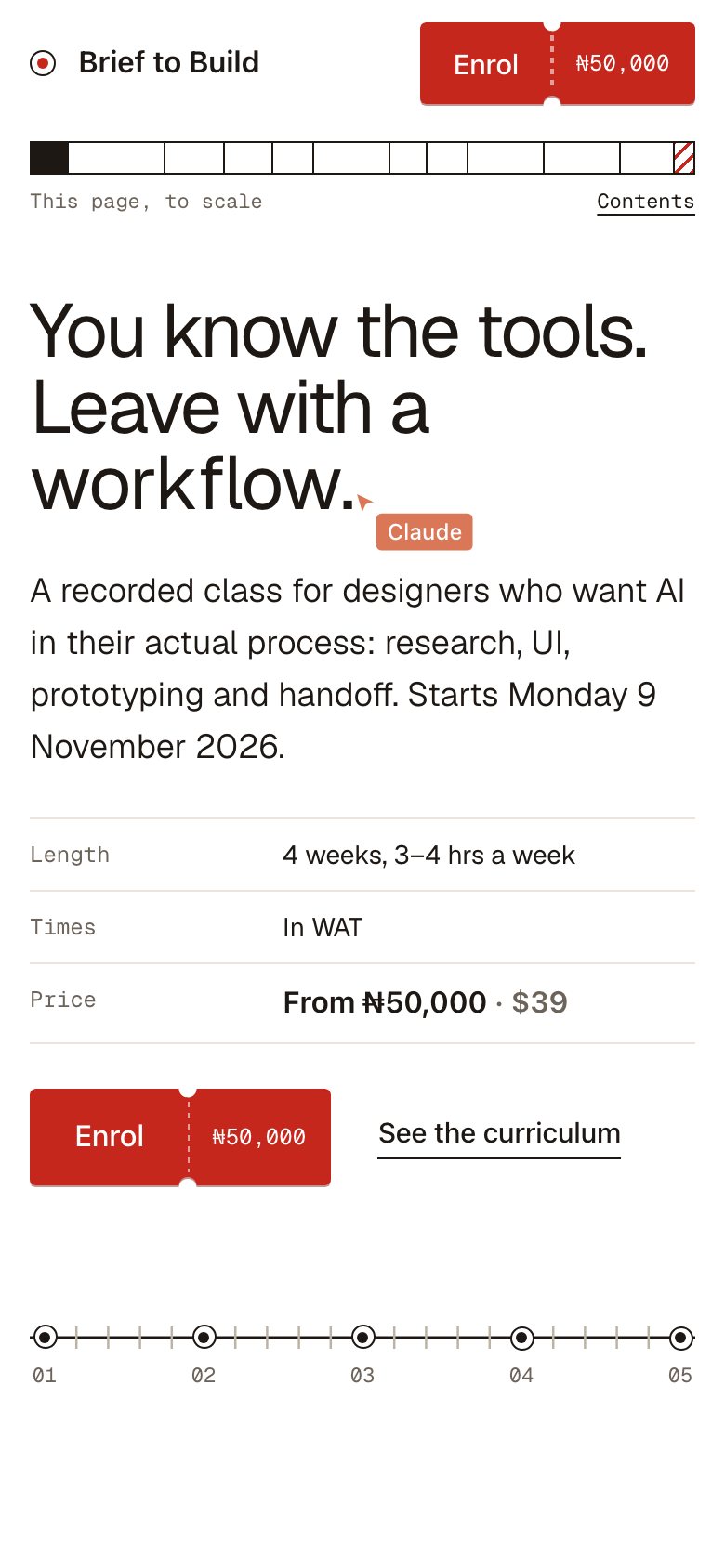
The navigation is the page drawn to scale. Each block is a section at its real length, ink shows where you are, and the hatched block is where you enrol. On phones it shrinks to a bar under the header. I tested phone widths from 280 to 430 px.
RStage 4Result
- ~3 daysFrom brief to first deploy
- 3Price tiers, with card or Naira checkout
05Result so far
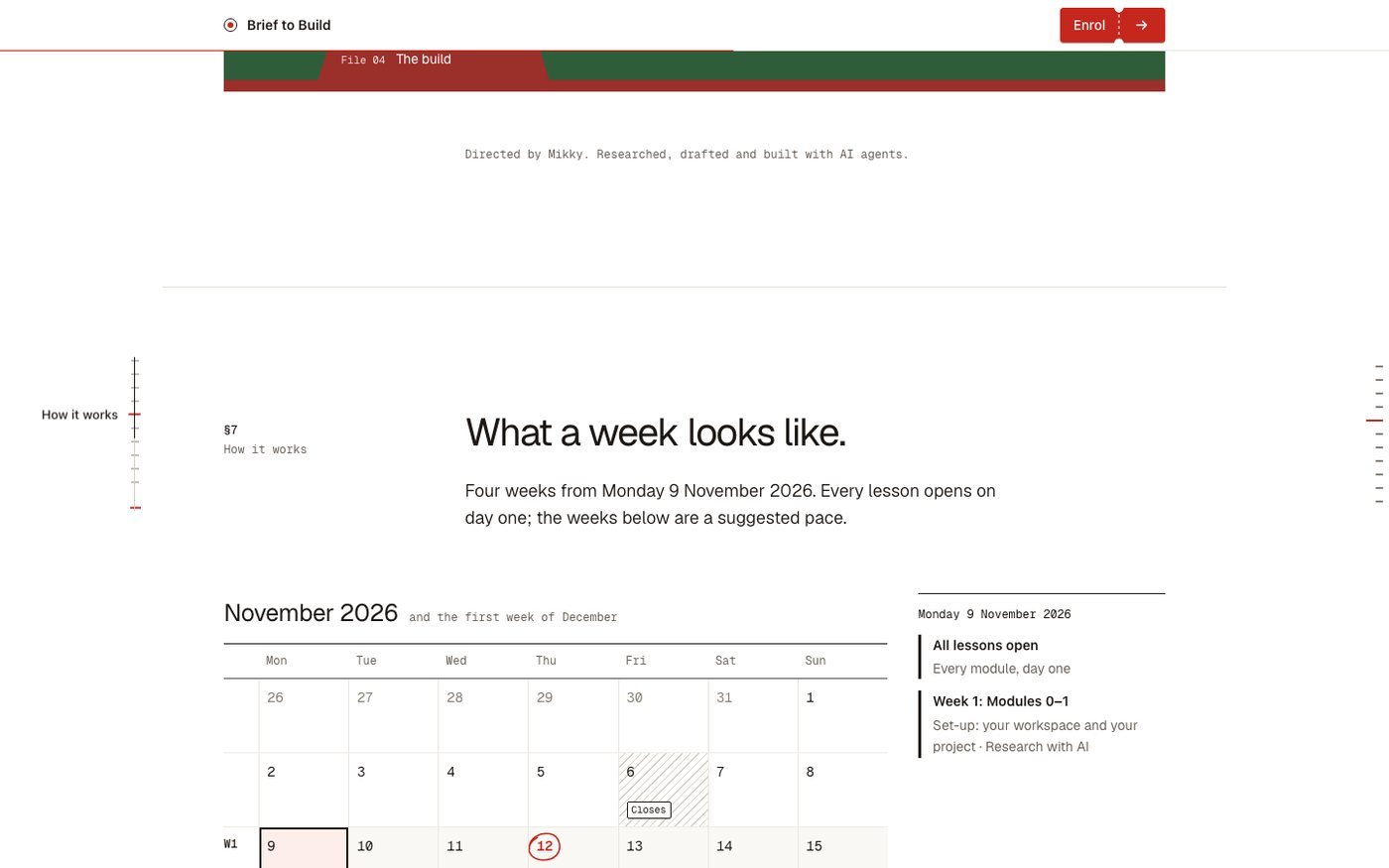
The site went from brief to first deploy in about three days. It’s now live at school.alethiconsulting.com/build-with-ai, with three price tiers ($39 / $229 / $389, or ₦50,000 / ₦300,000 / ₦500,000) and card or Naira checkout, enrolling for the first cohort on 9 November 2026.